

The short answer: Google says local results are mainly based on three things: relevance, distance and prominence. You can't move your address, and Google says there's no way to pay for a better local ranking. So you work on relevance and prominence. That means a verified, complete and accurate profile, genuine reviews with replies, and a website and listings that match it. Then you check your position the right way in Google, because it changes with where the searcher is.
What decides your Google Maps ranking?
Google decides it with three factors, and Google names them as relevance, distance and prominence. They're in Google's own help page, "Tips to improve your local ranking on Google", and we've set out what each means below.
| Factor | What Google says | Can you change it? |
|---|---|---|
| Relevance | How well your profile matches what someone is searching for. Complete, detailed information helps | Yes |
| Distance | How far each business is from the searcher. If they don't share a location, Google uses what it knows about it | No |
| Prominence | How well known a business is, based partly on links from other websites and review count | Yes, over time |
Two limits matter before you spend any time or money on Google Maps. First, distance belongs to the searcher, not to your Business Profile. Second, Google's page is blunt about payment: "There's no way to request or pay for a better local ranking on Google." Anyone selling a guaranteed top spot is guessing.
Why do you rank differently depending on where people stand?
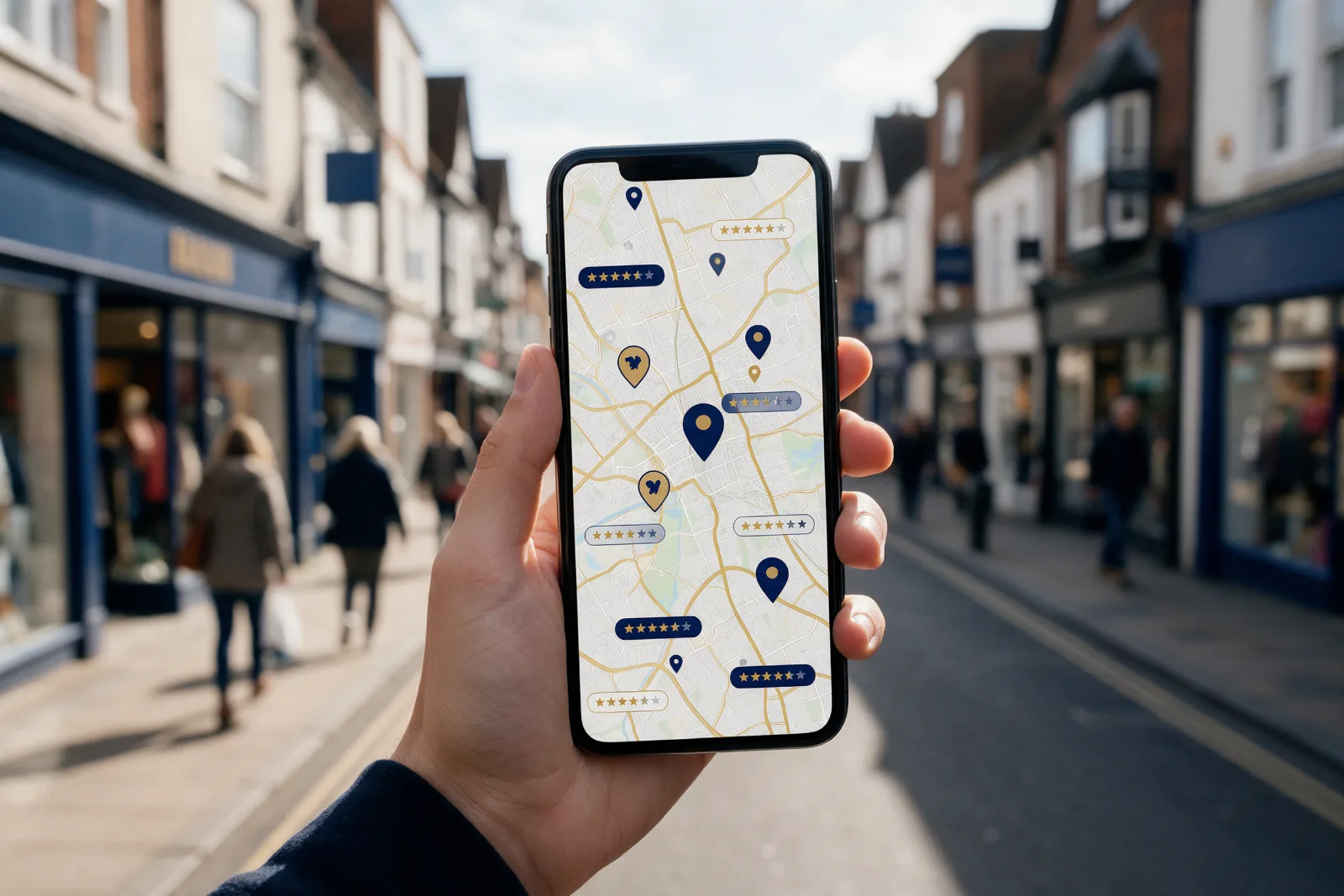
Distance is measured from the searcher, so there isn't one "Google Maps position" for your business. A customer standing outside your shop and a customer five miles away can see different results for the same search. That changes how you should check your Google Maps rank.
We don't recommend relying on one Google search from your office. Instead, we suggest a simple routine, which is our own method rather than a Google rule:
- Search your main service plus your town on your phone, standing at three or four points where customers really are.
- Note whether you appear, and which three or four rivals show up above or beside you.
- Repeat every month on the same day, from the same spots.
Then use the number Google gives you for free. In your Business Profile, open Performance. Google defines Searches as the search terms people used to find your business, Calls as taps on the call button, Directions as how many people asked for directions, and Website clicks as taps on your website link. Those are the numbers that tell you whether Maps brings you customers, which matters more than a position on a screen.
A note on keyword tools. When we checked Ubersuggest for town-level numbers, "local seo" showed about 20 searches a month in Manchester and about 10 each in Stockport, Bolton and Leeds. Tools round tiny numbers, so treat these as "small", not exact. The lesson is that you shouldn't judge a town by keyword volume. Judge it by calls and direction requests in your own Performance report.
Which parts of your profile move the needle?
Google tells owners to look after verification, accurate details, reviews and photos, so work through these in order.
1. Verify the profile. Google says verification "tells Google that you're authorised to represent the business" and makes it more likely to appear in results. Performance data is only available for verified profiles too.
2. Use your real name. Google's guidelines say your name "should reflect your business' real-world name" and that including unnecessary information isn't permitted. We cover what happens next in our guide to a suspended Google Business Profile.
3. Pick the most accurate primary category. Google says to use "as few categories as possible" to describe your core business, and not to use categories solely as keywords. A vague or wrong primary category is one of the fastest ways to be shown for the wrong searches.
4. Get the address right. If customers visit you, show your address. If you travel to customers, Google says you "should hide your business address from customers" and set a service area that doesn't extend farther than about two hours of driving time.
5. Keep hours and details current. Google asks for your regular customer-facing hours. Complete profiles, with hours, category and attributes, are more likely to appear in local searches.
6. Add real photos. Google suggests photos and videos to show what you offer. Use your own work, premises and team rather than stock images.
How many reviews do you need?
You need steady, genuine reviews, and the count matters because Google lists review count as part of prominence. Its page says "more reviews and positive ratings can help your business's local ranking."
People ask how many 5-star reviews it takes to lift a rating. This arithmetic is ours, not a Google figure:
| Where you are now | Target | New 5-star reviews needed |
|---|---|---|
| 4.2 average from 20 reviews | 4.5 | 12 |
| 4.0 average from 50 reviews | 4.5 | 50 |
| 4.0 average from 100 reviews | 4.5 | 100 |
Why 12 in the first row? Twenty reviews at 4.2 add up to 84 stars. Twelve new 5-star reviews bring that to 144 stars across 32 reviews, which is exactly 4.5. The pattern is useful: to lift a 4.0 average to 4.5 you need as many new 5-star reviews as you already have in total. It's why a steady monthly routine beats a one-off push.
Here's how to ask within the rules:
- Ask every customer. Google says customers can leave reviews if you ask them to visit a Google link or scan a QR code. We'd ask everyone, not only the people you expect to be happy. Google notes that a mix of positive and negative feedback often feels more trustworthy.
- Never offer a reward. Google's review policy covers "offering incentives, like free of cost or discounted goods or services, in exchange for" reviews. It also treats changing reviews or removing negative reviews as fake engagement, which is strictly prohibited.
- Reply to reviews. Google says replies are public and help build good relationships. It asks you to keep them clear, helpful and polite, to avoid attacking reviewers and to never share their private information.
UK law adds another layer. The fake reviews ban in the Digital Markets, Competition and Consumers Act came into force on . According to law firm CMS, a reward for a review is only allowed if the review is genuine and prominently labelled as incentivised, and breaches could bring fines of up to 10% of annual global turnover. For a small business, the safe rule is simple: don't pay for reviews, don't write your own, and don't hide the bad ones.
What do the experts say that Google doesn't?
Much of the most quoted advice comes from expert surveys, so read it carefully. The 2026 edition of Whitespark's Local Search Ranking Factors, published , asked 47 local search experts to score 187 factors. The report says plainly that none of them has special access to Google's internal workings, so it's opinion, not Google's data.
Their top ten Maps factors included the primary category (first), proximity to the searcher (second), keywords in the business title (third), whether the business is open at the time of search (fifth), high Google ratings (sixth), additional categories (eighth) and the number of native Google reviews with text (ninth). One entry reads "Address Is Showing on GBP (Not SAB)", which suggests experts think businesses that hide their address may be at a disadvantage.
Two of those points clash with Google's rules. We'd follow Google every time.
- Keywords in the name. Experts rank this third, but Google says unnecessary information in your name isn't permitted, and a suspension removes you from Maps altogether.
- Showing a home address. If you travel to customers, Google says to hide your address. Don't show one you don't serve customers from just to chase a signal.
Categories, opening hours and reviews do match what Google's own pages say, and that's where we'd spend your time.
How do your website and listings help?
Your website and listings help because Google says prominence is partly based on links from other websites, and relevance depends on how well your details match the search. We'd do three things:
- Match your profile. Use the same business name, address or service area, and phone number on your website and every listing.
- Give each place you really serve a useful page. Make each one different, with real examples and local detail, not the same text with the town swapped. If you serve Stockport, Bolton or Leeds, you can see how we approach area work on our pages for Stockport, Bolton and Leeds.
- Earn real mentions. Local associations, suppliers, partners and the local press all give you links from other websites, which is the part of prominence that's in your hands.
What does ongoing Google Maps work look like?
Ongoing work is a monthly routine, not a one-off tidy-up. Profiles that nobody updates drift out of date, and reviews dry up. A sensible month covers one review request round, replies to every new review, a fresh photo or two, a check of hours and details, and a look at the Performance numbers above.
If you'd rather hand it over, that's what our local SEO service and Google Business Profile management do. We work remotely for businesses across the UK, using manager access to your profile, so you stay the owner. Local SEO starts from £295 a month with a three-month minimum, and our free AI visibility audit is a good first step because it shows where you stand before you spend anything.
Questions people ask
Can I pay Google to rank higher on Google Maps?
How many 5-star reviews do I need to lift my rating?
Why is my business ranking low on Google Maps?
Can I rank higher on Google Maps for free?
Should I add my town or keywords to my business name?
Does my website matter for Google Maps?
Sources
- Google Business Profile Help: Tips to improve your local ranking on Google
- Google Business Profile Help: Guidelines for representing your business on Google
- Google Business Profile Help: Tips to get more reviews
- Google Business Profile Help: Understand your Business Profile performance and insights
- Whitespark: Local Search Ranking Factors 2026
- CMS: The DMCC Act bans fake reviews
- Ubersuggest keyword overview for "local seo" in Manchester, Stockport, Bolton and Leeds, England, pulled
See what we do, what it costs and how long it takes.