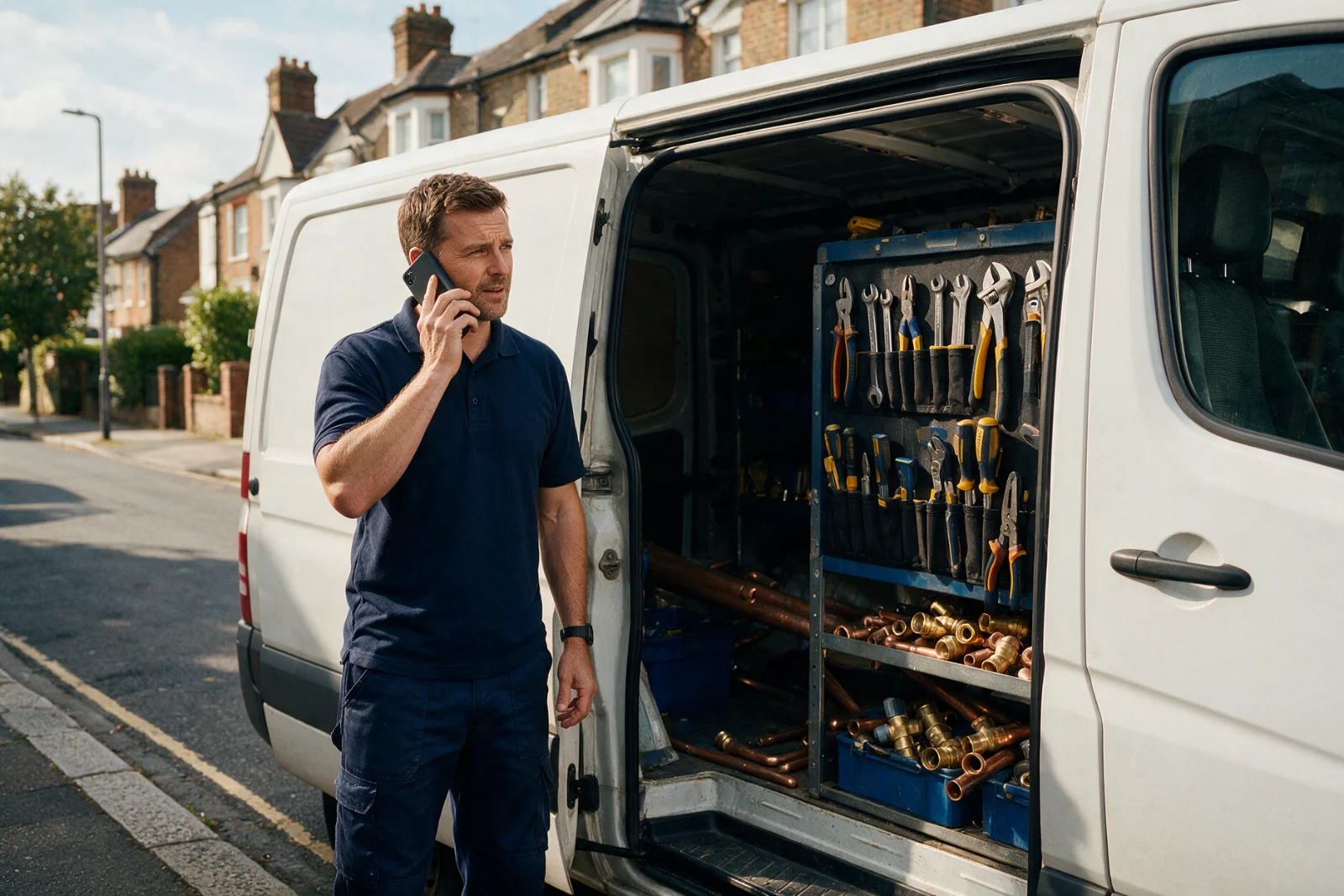



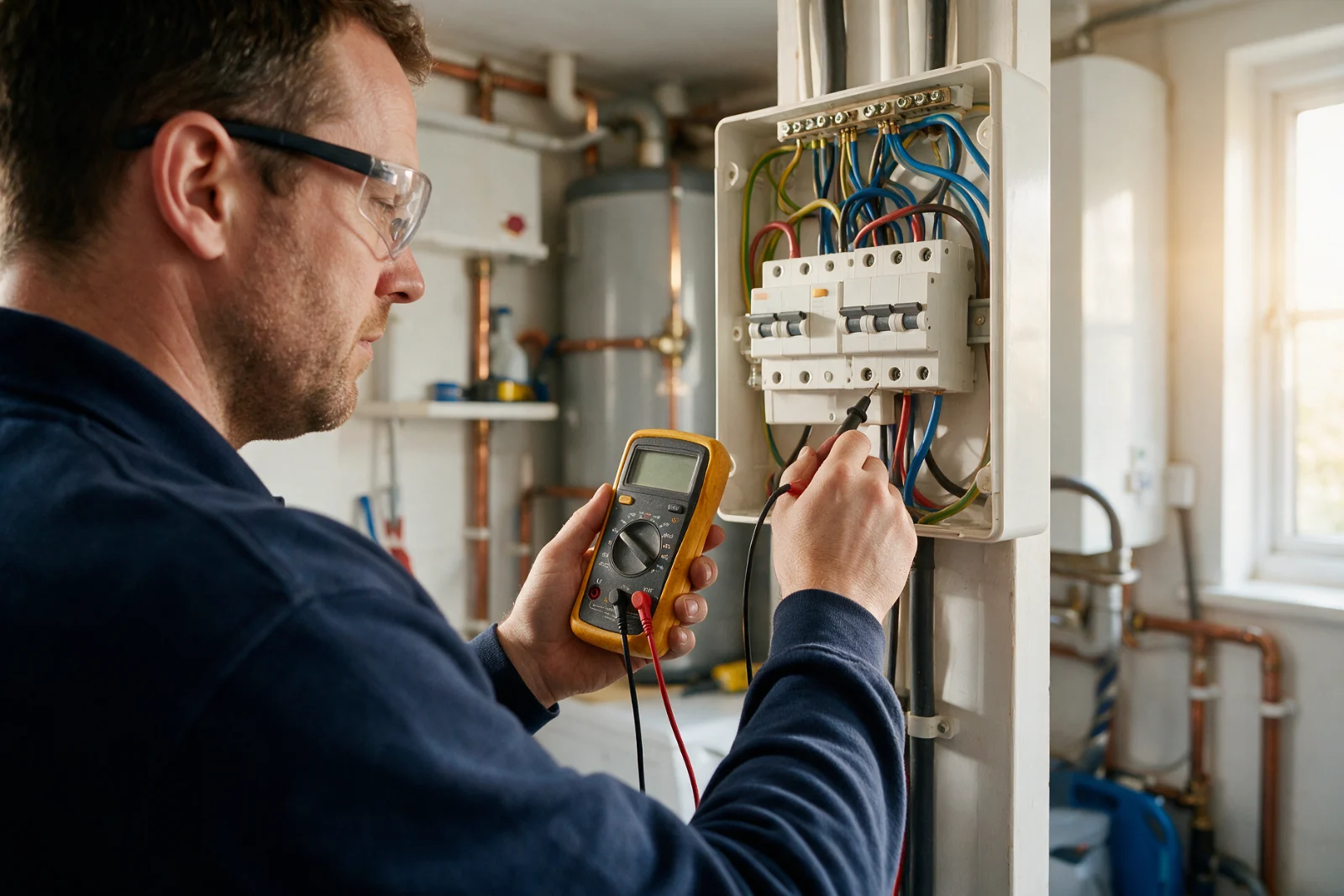
The short answer: Only show a Gas Safe, NICEIC, NAPIT, TrustMark or other scheme logo if you hold that membership today and the scheme lets you use its logo. The Digital Markets, Competition and Consumers Act 2024 now bans displaying a trust mark you're not authorised to use. Link each logo to the scheme's own register, and check the Gas Safe or NICEIC entry again whenever a renewal date comes round. If a claim is shaky, leave it off.
What does UK law say about trade logos on a website?
Business Companion, the Government-backed guide to Trading Standards law, explains the rule. Under Part 4, Chapter 1 of the Digital Markets, Competition and Consumers Act 2024, you can't display a trust mark you aren't authorised to use. As Business Companion puts it, the Act "specifically bans businesses from displaying any form of trust mark, quality mark or equivalent if they are not authorised to do so".
Business Companion lists company websites among the places where a logo can be misused. The Act also bans claiming that a business has been approved, authorised or endorsed by a body when it hasn't, and it applies even if you hold an approval but aren't complying with its terms.
Spoken claims count too. Statements don't have to be in writing to break the law, Business Companion says, so it matters on calls as much as online.
Business Companion's guide was last reviewed in April 2025. It covers England, Scotland and Wales, and points Northern Ireland readers to NIbusinessinfo. Business Companion also says it's guidance only, and that only the courts can give an authoritative interpretation of the law. If you're unsure, it recommends asking your local Trading Standards service, ideally before you publish.
What does the Gas Safe Register require?
HSE says that under the Gas Safety (Installation and Use) Regulations 1998, a gas engineering business must be on the Gas Safe Register to legally undertake gas work within the scope of the regulations.
Registered engineers carry an identity card, HSE says, and the front shows a photograph, a registration number and an expiry date. On the back, the card shows the categories of work a Gas Safe engineer is qualified to do, such as cookers, boilers and gas fires.
Business Companion adds a specific warning: "Particular care should be taken in the use of the Gas Safe logo."
Our reading is simple. If you're on the Gas Safe Register, show the logo, but show only the categories you're registered for. Put your registration number as text, not only inside an image, so customers can type it into the Gas Safe register.
Which schemes cover which work?
GOV.UK, in guidance from the Ministry of Housing, Communities and Local Government (so the England picture), lists the competent person schemes that let installers self-certify certain building work instead of getting building regulations approval. The page was last updated on , and a few rows matter most to trades:
| Type of work | Schemes GOV.UK lists |
|---|---|
| Gas appliances | Gas Safe Register |
| Oil appliances | APHC, BESCA, Blue Flame Certification, Certsure, NAPIT, OFTEC |
| Solid fuel appliances | APHC, BESCA, Certsure, HETAS, NAPIT, OFTEC |
| Fixed electrical installations in dwellings | BESCA, Blue Flame Certification, Certsure, NAPIT, OFTEC |
| Heating or hot water systems and controls | APHC, BESCA, Blue Flame Certification, Gas Safe Register, Certsure, HETAS, NAPIT, OFTEC |
GOV.UK notes that the Gas Safe Register "is not technically a competent person scheme", but its installers have the same responsibilities for complying with building regulations. Although NICEIC is the name you'll see, GOV.UK lists the body as Certsure.
The practical point is that a Gas Safe or NICEIC logo only means something for the type of work the scheme covers. A roofer's CompetentRoofer logo says nothing about electrics, and an electrician's scheme badge says nothing about gas. Don't let a web designer fill a strip with logos from Gas Safe, NICEIC or TrustMark that don't match your work.
What happens if you show a TrustMark logo you don't hold?
TrustMark says it's seeing a rising number of tradespeople advertising as TrustMark registered when they aren't, with the logo appearing on websites, vans and marketing. Its process is plain. Someone reports the misuse, and TrustMark notifies the business twice. If the business doesn't remove the logo, TrustMark notifies the local Trading Standards office, which can prosecute traders who break the law.
Since TrustMark says consumers now check accreditations with schemes and governing bodies, an ordinary customer can find out a copied logo.
The reverse is also useful. When you're registered, a link from your site to your own TrustMark entry gives a careful customer what they're looking for.
What if your membership lapses or you change designer?
Until the organisation authorises it, businesses should not start using a logo, Business Companion says. Gas Safe or TrustMark membership can end through a lapse, a cancellation or a failure to meet standards, and Business Companion says to take care when it does. And if an agency makes a claim on your behalf, the responsibility for invalid claims still stays with the business, Business Companion adds.
So a Gas Safe logo is a live claim, not a one-off design job. If you run a trade site, here's the log we'd keep at Renozer. It's our own method, not an official form.
| Claim on the site | Scheme | Register link | Number or entry | Date last checked | Renewal date |
|---|---|---|---|---|---|
| Gas Safe registered | Gas Safe Register | Scheme's own register | Your registration number | Date | Date |
| Electrical scheme member | The scheme you hold | Scheme's own register | Your membership number | Date | Date |
| TrustMark registered | TrustMark | TrustMark Find a Business | Your entry | Date | Date |
Check each row when your Gas Safe or NICEIC membership renews, and again when you change designer, host or agency. If a Gas Safe row stays blank, the claim comes off.
How should the logos be displayed on the page?
Although this is our practice, it's not a rule from Business Companion, HSE or TrustMark. It's our routine on trade sites:
- Put the registration details beside the call button and on the service page they relate to, for example Gas Safe on the boiler page.
- Write the number as text and link it to the register.
- Show only memberships you hold, and only for the work they cover.
- Keep reviews real. Never copy another firm's accreditation strip.
Our website design for tradesmen page covers how this fits into the rest of a UK trade site, and our cost guide for a tradesman website shows what it takes. If Renozer should build your trade site this way, see how website design for tradesmen works. Our website design service starts at £995, and we work remotely across the UK.
What couldn't we verify?
The Gas Safe Register's own website returned an access error to our tools on . So we haven't read the Gas Safe logo terms, and this guide doesn't state them. Ask Gas Safe for the current artwork and conditions. If you want to use the logo of NICEIC, NAPIT, TrustMark or any other scheme, the same goes. Check the scheme's current rules before launch.
This is general information, not legal advice. If you're unsure about a specific claim, ask your local Trading Standards service.
Questions people ask
Can I put the Gas Safe logo on my website?
Is it illegal to show a trust mark I don't hold?
What if my membership lapses?
Who's responsible if my web designer adds the wrong logo?
Sources
- Business Companion: Membership logos and claims of approval (last reviewed April 2025)
- HSE: Gas Safe Register
- GOV.UK: Competent person scheme, current schemes and how schemes are authorised (last updated )
- TrustMark: Protect yourself from logo misuse
See what we do, what it costs and how long it takes.